

Where do I receive the clients requests send by the client or agency?
Client Requests from Active Bookings
When a client or agency sends a request related to an active booking, the system triggers the following actions:
- A visual alert is displayed inside the booking, like this:
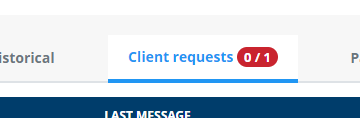
- A copy of the message is automatically sent to the microsite’s booking email.
- The client or agency also receives a copy of the request via email.
How to find bookings with open client requests
You can easily filter bookings with active client messages using the following steps:
- Go to Back Office → Data → Bookings
- In the filter options, activate “Open client requests”:
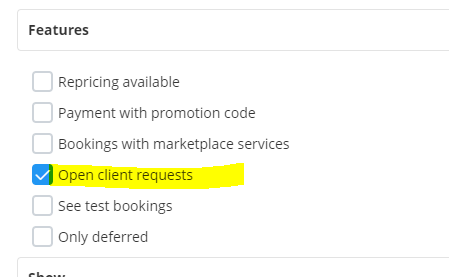
This will help you list only the bookings that have active user messages pending response.
How replies are handled
When you reply directly from the booking interface, your response will:
- Be sent to the user who originally submitted the request
- Be copied to the microsite’s booking email address, ensuring full visibility of the communication.